
**This is an old revision of the document!**
Table of Contents
Dictionaries
Keyboard Maestro includes permanently stored dictionaries that you can use or set.
A dictionary is a mapping from a key name to a value. You can have multiple dictionaries, each with their own name (so really, it is a mapping from a dictionary name and a key name to a value).
Dictionary names start with a alphabetic character, followed by any number of alphanumeric, space or underscores. Dictionary names are case insensitive.
Key names can be anything, although leading and trailing white space is stripped off. Key names are case insensitive.
Dictionary values are plain text and can include leading or trailing white space.
Setting Dictionary Values
Use the Set Dictionary Value action to set a dictionary value.
Accessing Dictionary Values
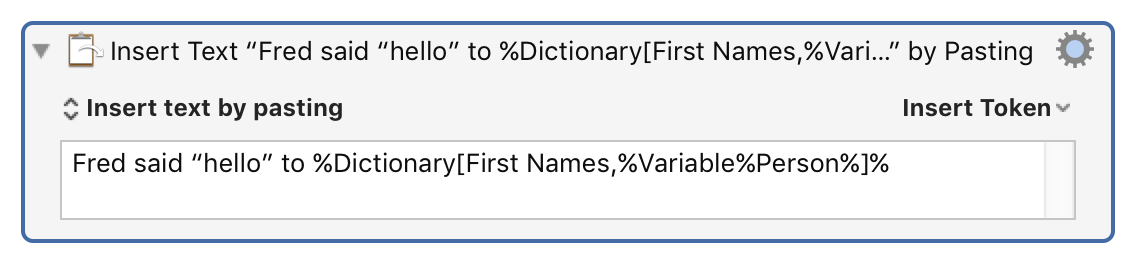
You can use the %Dictionary% token to access Dictionary values.
You can list the dictionaries with the Dictionaries collection, and you can list all the keys within a dictionary with the Dictionary Keys collection.
AppleScript
You can read and write dictionary values from AppleScript.
- snippet.applescript
tell application "Keyboard Maestro Engine"
	name of dictionaries
end tell
- snippet.applescript
tell application "Keyboard Maestro Engine"
	dictionary keys of dictionary "First Names"
end tell
- snippet.applescript
tell application "Keyboard Maestro Engine"
	set value of dictionary key "P" of dictionary "First Names" to "Fred"
end tell
See Also
See also the Set Dictionary Value action, the %Dictionary% token and the Dictionaries and Dictionary Keys collections.