
action:Prompt_for_File
**This is an old revision of the document!**
Table of Contents
Prompt for File Action
The Prompt for File action (v8+) prompts for a selected file or folder and saves the path into a variable.
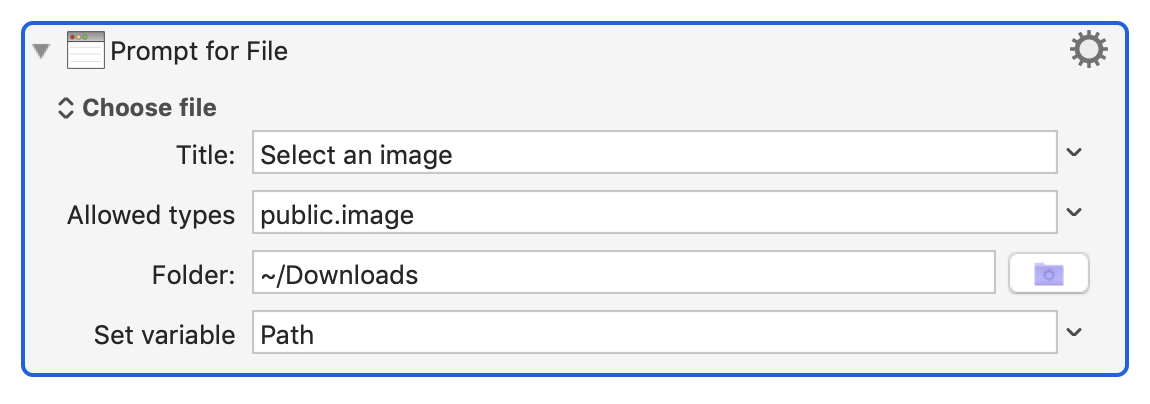
You can prompt for an existing file or folder, or for a new file or folder.
For a new file or folder, you can specify the default file name.
For an existing file, you can specify the allowed file types with a space or comma separated list of extensions or Uniform Type Specifiers such as public.image.
You can (v9.0+) specify the title of the prompt and the default directory.
See Also
Actions
- Custom HTML Prompt action
- Prompt With List action
- Get Touch Bar Selection action
Forum
action/Prompt_for_File.1561969048.txt.gz · Last modified: by peternlewis